
The basics
Registration is one of the most important roles at the conference. Attendees form their first impression of Devcon at your desk. Check in at the Volunteer Check-In desk with the Coordination Support team at your designated time, as for every role. The desk is on the right as you enter through Gate 20, Ground Floor (Level 0), and Volunteer HQ is Level 1, Suite 103.
Rehearse the script below before the day. Say it out loud to a mirror, or to a friend. You will practise scanning at the in-person training on Sunday 1 November.
Your Lead hands you a set number of wristbands at the start of the shift and counts them at the end. None may go missing.
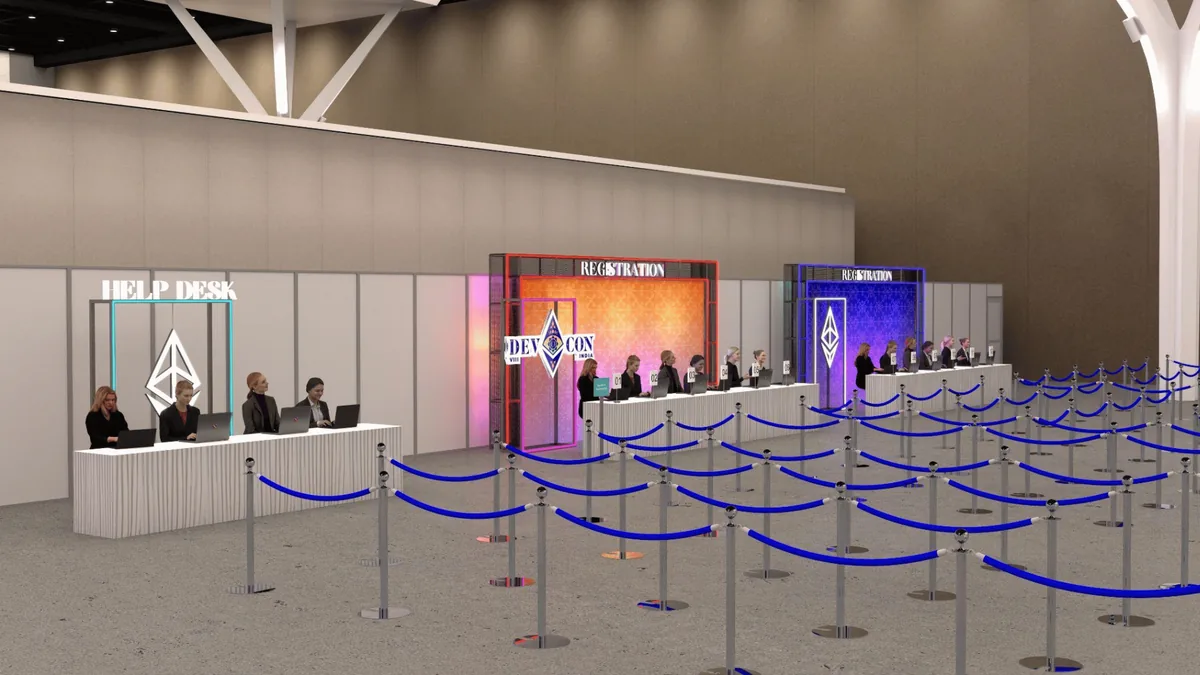
Registration runs in the ticketing area: the booths where attendees scan their ticket on arrival. There is a pre-registration day on Monday 2 November, and the booths run all week. The team needs more volunteers in the first days and gets smaller as the week goes on, so you may later be moved to an area that needs more attention.
What every attendee leaves with
- A wristband (check the ticket type first).
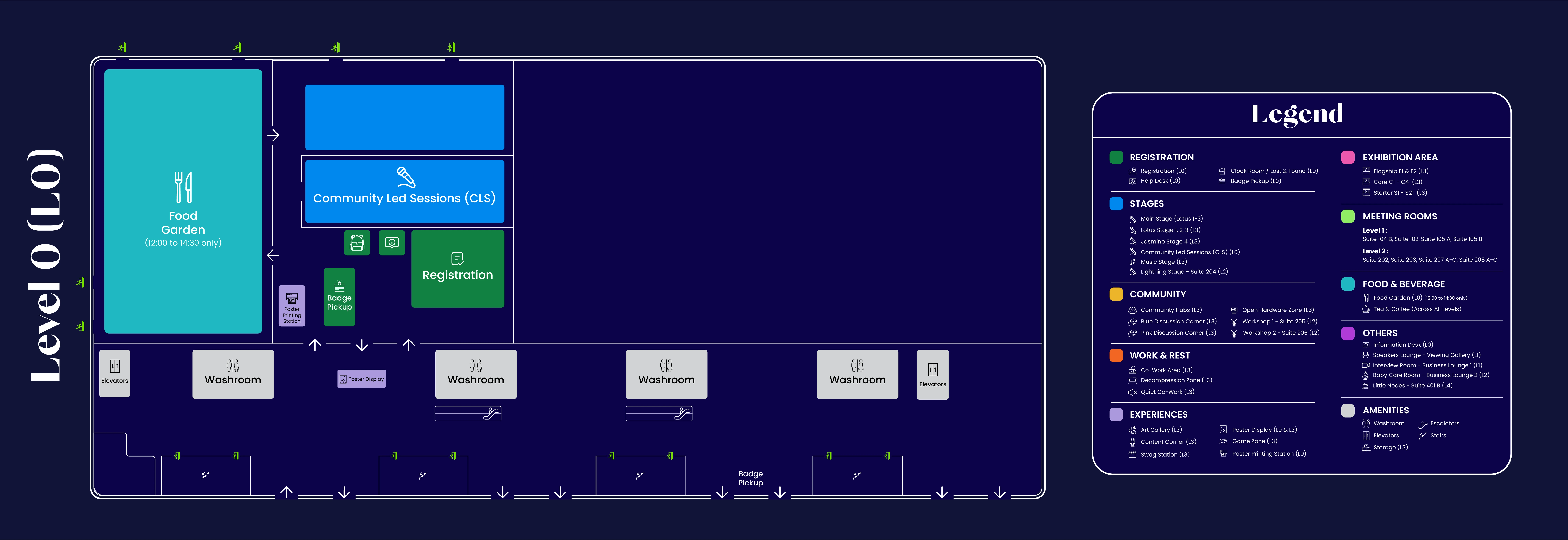
Venue map
Registration, the Help Desk, Badge Pickup and the Cloak Room with Lost and Found are all on Level 0. Zones can still move before the event.
Your team
Each area has two Volunteer Leads, one for the morning shift and one for the afternoon. Your Volunteer Lead is your first point of contact on shift. Names come from Volunteer Training Session #2 on 16 October 2026 and can change.
| Role | Who |
|---|---|
| Devcon area | Ticketing |
| Devcon workstream leads | Adam, Ligi. They handle second-level problems, when the Help Desk cannot solve something. |
| Help Desk (Special Cases) | Nitasha, David. First-level problems go here: ticket changes, youth tickets and anything the scanner does not clear. |
| Volunteer lead, AM shift | Mukul, @MukulKolpe on Telegram |
| Volunteer lead, PM shift | Swapnil, @swapnilsparsh on Telegram |
Your station
You have a station at the Registration desk. Keep it neat, tidy and well-stocked. Tell your Lead when you are running low on either of these.
- Devcon wristbands. General Attendee and Speaker bands are different, so check the ticket type first.
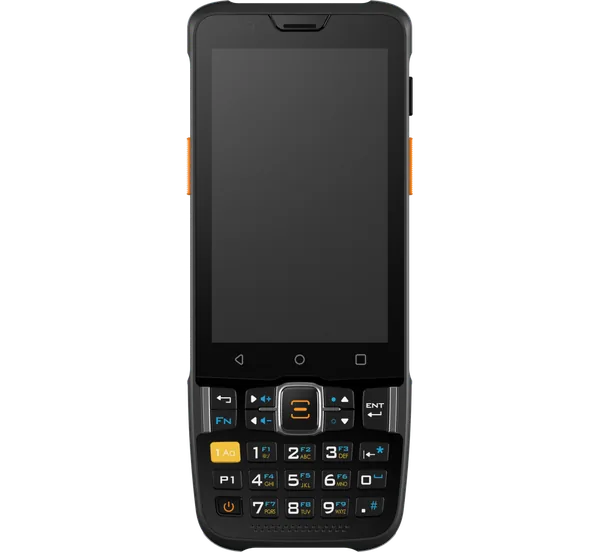
- Scanning device. It should already be logged in and ready to scan. Ask your Lead if you need help.


Welcome to Devcon! So glad you're here. I'm [your name], and I'll get you set up.
This part matters most, so say it clearly and slowly: This is your wristband for the week. If you lose it, we cannot let you back in, and you will need to pay $100 USD for a new one.
Please keep it on your wrist all week. Any questions before you head in? Enjoy the week!
At the desk
You are the first face attendees see, so greet everyone with a smile.
- Welcome them Greet them and ask to see their Devcon ticket.
-
Scan the ticket
Press the orange button on the side of the device. The laser comes from the top of the device. If an alert says "CHECK ID!", ask for their ID and match it against the name on the ticket. You can scan a second time if the modal disappears, but it will scan yellow. That is fine.
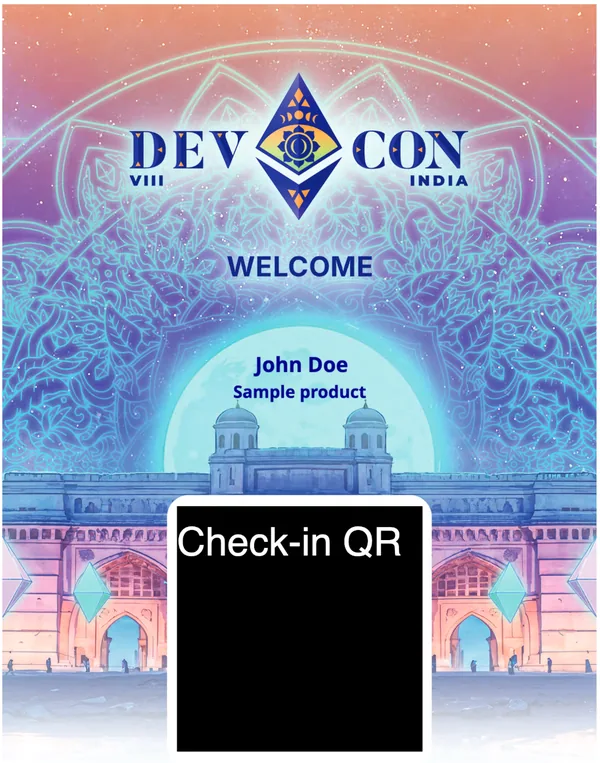
The Devconnect ticket -
Wait for green
Green means go. Any other colour, send them to the Help Desk.
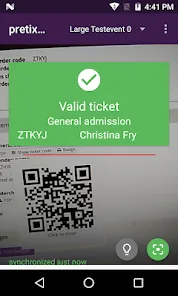
A green Valid ticket confirmation - Fit the wristband Put it on their wrist, not tight. Ask them to stack two fingers' width on the wrist as you tighten it, then say the wristband warning from the desk script.
Attendee scenarios
General admission ticket (no ID required)
The easiest flow. Look for green in the scanner and put the wristband on. If it scans yellow or red, point them to the Help Desk.
ID check required
Ask to see ID and check it against the ticket as it pops up. This applies to Indian tickets (Residents, Early Bird, Students), International Students and Youth tickets.
Youth tickets: a parent wants to buy a ticket for their child
Point them to the Devcon website.
Youth tickets: a young person arrives alone
Tell them to go to the ticket shop. They will need to fill out the form and get their parent's consent.
Day Pass, Exhibitor ticket, or a child without a ticket
Send them to the Help Desk.
Troubleshooting
They cannot find their ticket
Have them search their email for the keyword "Jasmine". If it still does not turn up, send them to the Help Desk.
They lost their wristband
Send them to the Help Desk.
Any colour other than green on the scanner means the Help Desk.
Lost and found
Attendees will ask where to report a lost item or see what has been handed in. Send them to the Devcon Lost & Found app, where they can browse found items, report a lost one and see how to claim it with the item's reference number.
If someone hands you a found item, take it straight to the cloakroom desk, so it is logged with a photo and stored safely.
Still to confirm for Mumbai
Nothing here is guessed. These items stay marked until the Devcon team confirms them.
- The local greeting for the desk script.
- Day pass availability by day.
- Speaker line-skip booths.
Plan your commute with the shift planning table, check what to carry, and save the emergency numbers.